
DayZ
Run your own DayZ survival server on Chernarus or Livonia
Built for the way your community plays.
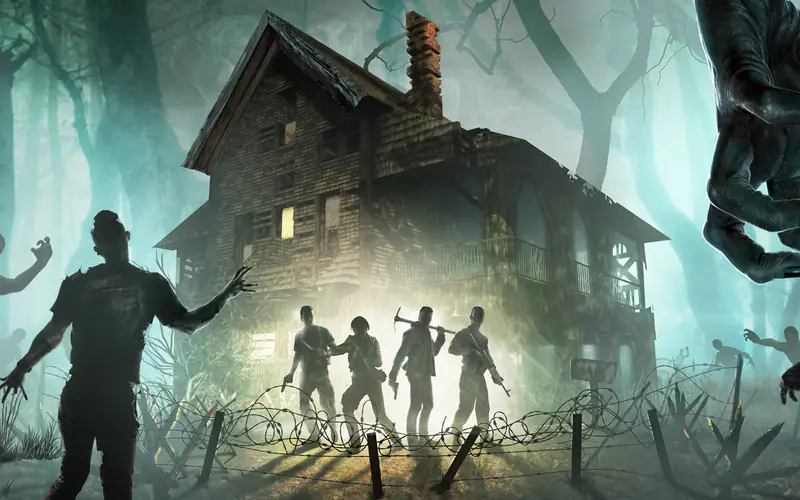
DayZ is Bohemia Interactive's open-world survival game: scavenge, build, and survive other players in a country after an outbreak. Run your own DayZ server on its own virtual machine. Choose the map, the player limit, the time of day and the join password from your Dashboard. Your world, bases and characters are saved on the server and carry over between restarts.
DayZ tiers.
Pay only for the size you need. Upgrade any time — we only charge the difference for the days left in your billing cycle. Sizes move up only; downgrades aren't supported.
HDD-backed. Every size.
iSCSI-backed storage and your own VM per server. Our baseline tier.
SSD. Every size.
Faster world saves, faster mod startup, faster backups. Same player slots as Standard — just quicker under the hood.
Switch to yearly billing for 2 months free
What actually runs your server.
We own and operate every piece of hardware your DayZ server lives on. No whitelabeling, and your server runs in its own VM.
Every DayZ server, fully loaded.

Pick Your Map
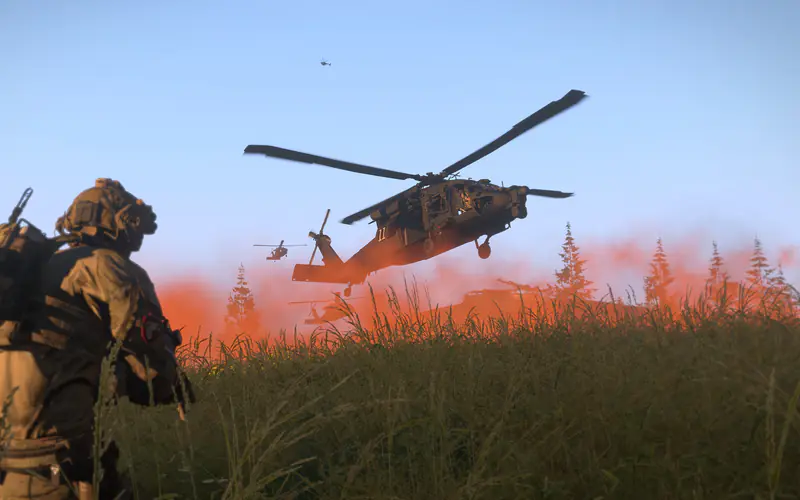
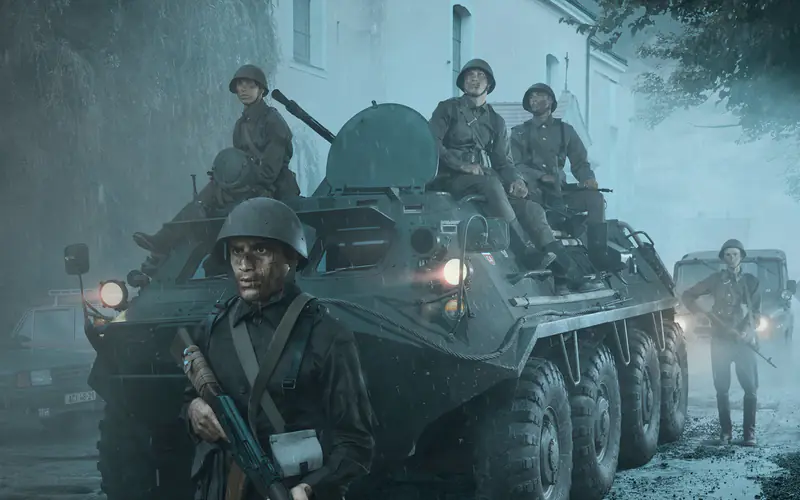
Choose Chernarus or Livonia in your server settings. The server loads the map at its next start.

Persistent World
Bases, stashes and characters are saved on your server and carry over between restarts.

One-click updates
Update your server to the latest version from your Dashboard.

Scheduled Backups
Optional backup plans protect your world. Retention depends on the plan you pick.

No Slot Counts
We sell a hardware allocation, not player slots. You set the player limit; the ceiling is whatever DayZ itself allows.
FTP Included on Paid Plans
FTP is included on paid plans, giving you direct file access to your server files and mission files.
Who runs DayZ on Revelation.
Every community is different. Here's the playbook for the ones we see most.
5–10 players · no drama
Start on Small. Zero config, zero ticket numbers. Perfect for weeknight sessions that just need to work.
Tier: Small20–40 players · active Discord
Medium or Large tier. Room to scale without reprovisioning. Mod support scales with you. Upgrade mid-month and you only pay the difference for the days left in your cycle.
Tier: Medium · LargeBig pack + big builds
X-Large tier. Full mod support, generous RAM, and world-backup automation so you can risk-take on the build.
Tier: X-Large100+ players · 24/7 operation
XX-Large or a Dedicated Server: your own block of hardware, white-glove onboarding, and an engineer on Discord for launch day.
Tier: XX-Large · DedicatedOne-click mod installs.
Steam Workshop mods in the v3 Dashboard: add by Workshop ID, enable or disable, presets, and the DayZ Launcher mod list import. Deploy downloads them to your server.
Four steps. Scripted end to end.
From checkout to endpoint. Setup starts the moment you pay, and most servers are ready within 30 minutes; the game download is the slow part.
Register
Email, username, password.
Configure
Pick a tier and a region. We handle provisioning, install, and config.
Deploy
Dedicated VM provisioned, game installed, config applied — all scripted.
Play
Endpoint appears in your dashboard. Share the IP, start your session.
Your first 24 hours of hosting.
What we handle before your community arrives so you don't have to.
VM provisioned and hardened
Fresh OS, firewall rules, DayZ-specific config applied automatically.
Game binary installed and patched
Latest stable version by default. Version pinning available on upgrade.
Dedicated port assigned
You get a permanent endpoint. No reshuffling, no port collisions.
Backup schedule activated
Your included plan (Bi-Weekly Backups) backs the world up twice a month, on the 1st and 15th, at 2am Pacific and keeps the last 2. Our team can restore on request if something goes sideways.
DDoS protection live
Always-on network-edge mitigation. No per-incident billing.
Dashboard access provisioned
Server start/stop/restart, FTP access, live player count where the game supports it, and log files — all in one place.
Deploy where your players actually are.
Pick the region closest to your community for the lowest ping. Region is set when your server is deployed and cannot be changed afterwards, so choose carefully.
US - TN - 01
TN01 · Owned hardware · DDoS-protected · 1 Gbps backbone.
US - WA - 01
WA01 · Owned hardware · DDoS-protected · 1 Gbps backbone.
Why DayZ hosts keep switching to us.
The industry's race to the bottom cuts a lot of corners. Here's what we don't cut.

|
Shockbyte | GGServers | |
|---|---|---|---|
| Dedicated VM per server | |||
| Multi-core pricing options | |||
| One-click DayZ mod installs | |||
| White-glove onboarding (free) | |||
| DDoS protection included | |||
| Free tier available | |||
| US-owned hardware |
Before you deploy.
Which maps can my DayZ server run?
Can I install mods on a DayZ server?
How do I update my server when DayZ releases a patch?
How much RAM does a DayZ server need?
Can Xbox or PlayStation players join?
The DayZ community.
Running a server is half the job. Here's where your players hang out.
If you host DayZ…

Ready to host DayZ?
Pick a tier and setup starts the moment you pay. DayZ runs on its own VM.